
Cards are pages
Open a card to see the complete page. Every edit stays with the same content—no duplicate copies.
Built for Mac and iPhone
Quille is a visual story planner for novelists and writers.
Plan plots, characters, timelines, and worldbuilding in one quiet workspace.
One space, many ways to think
The same story can be a document, a list, a board, or a timeline. Quille lets novel structure change with the question—not the other way around.
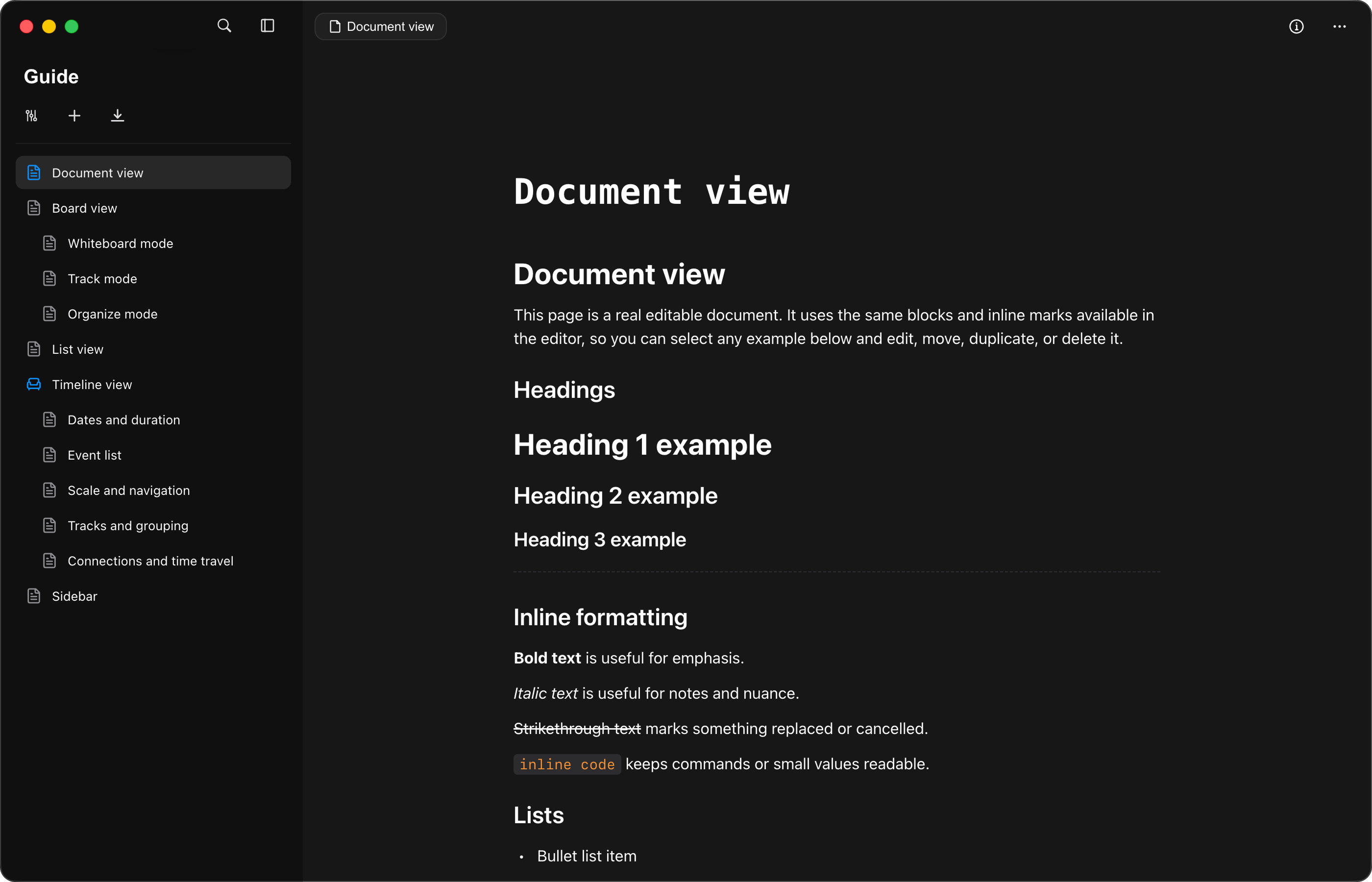
Your story structure stays on the left and the chapter, scene, or character note at hand stays on the right. Pages can grow into subpages, giving outlines, research, and worldbuilding a natural place.
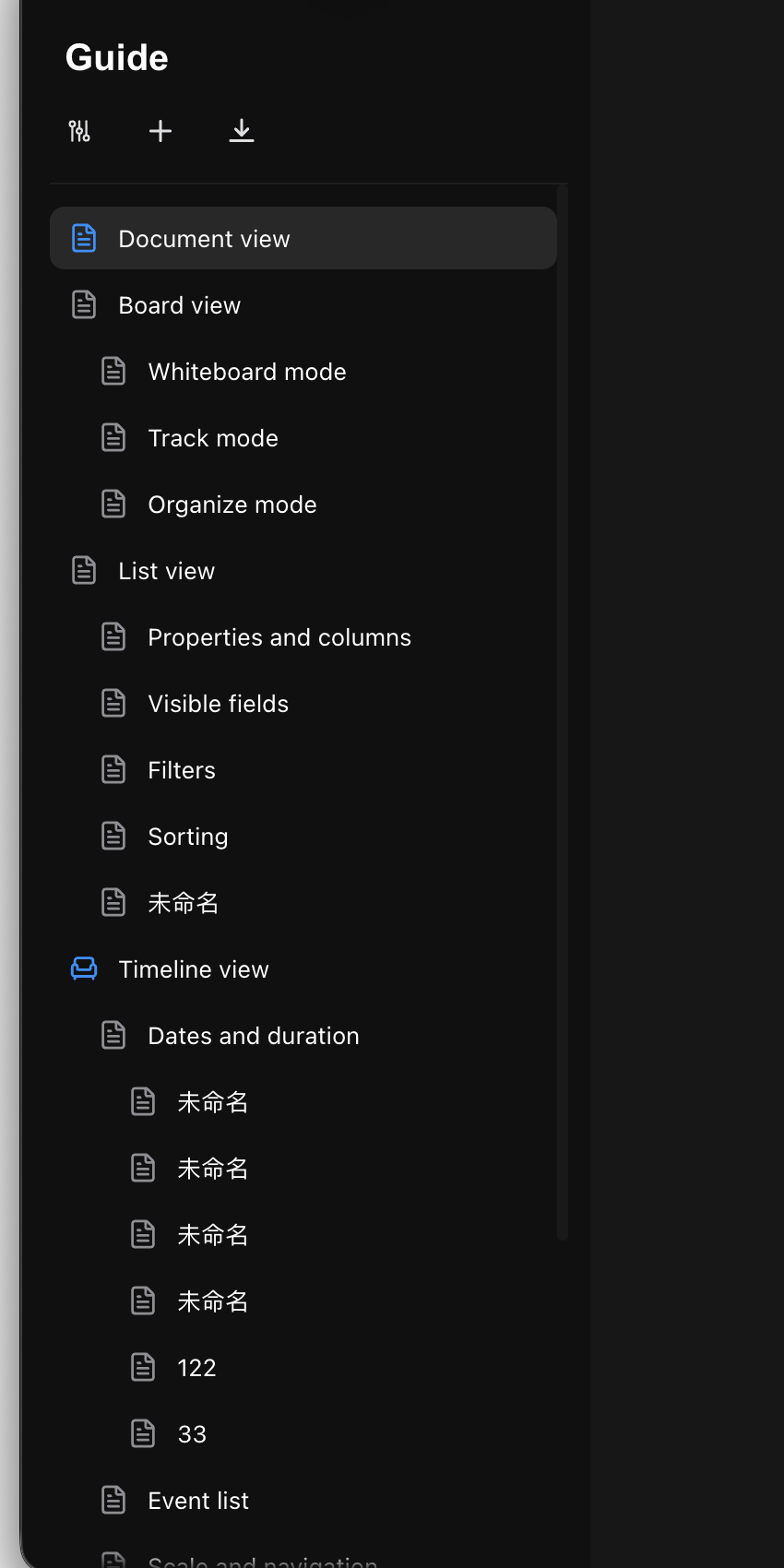 Order at every scale
Quille keeps the tools writing actually needs and puts the rest away. Headings, body text, lists, and inline formatting all live in one natural editing experience.
Learn how to begin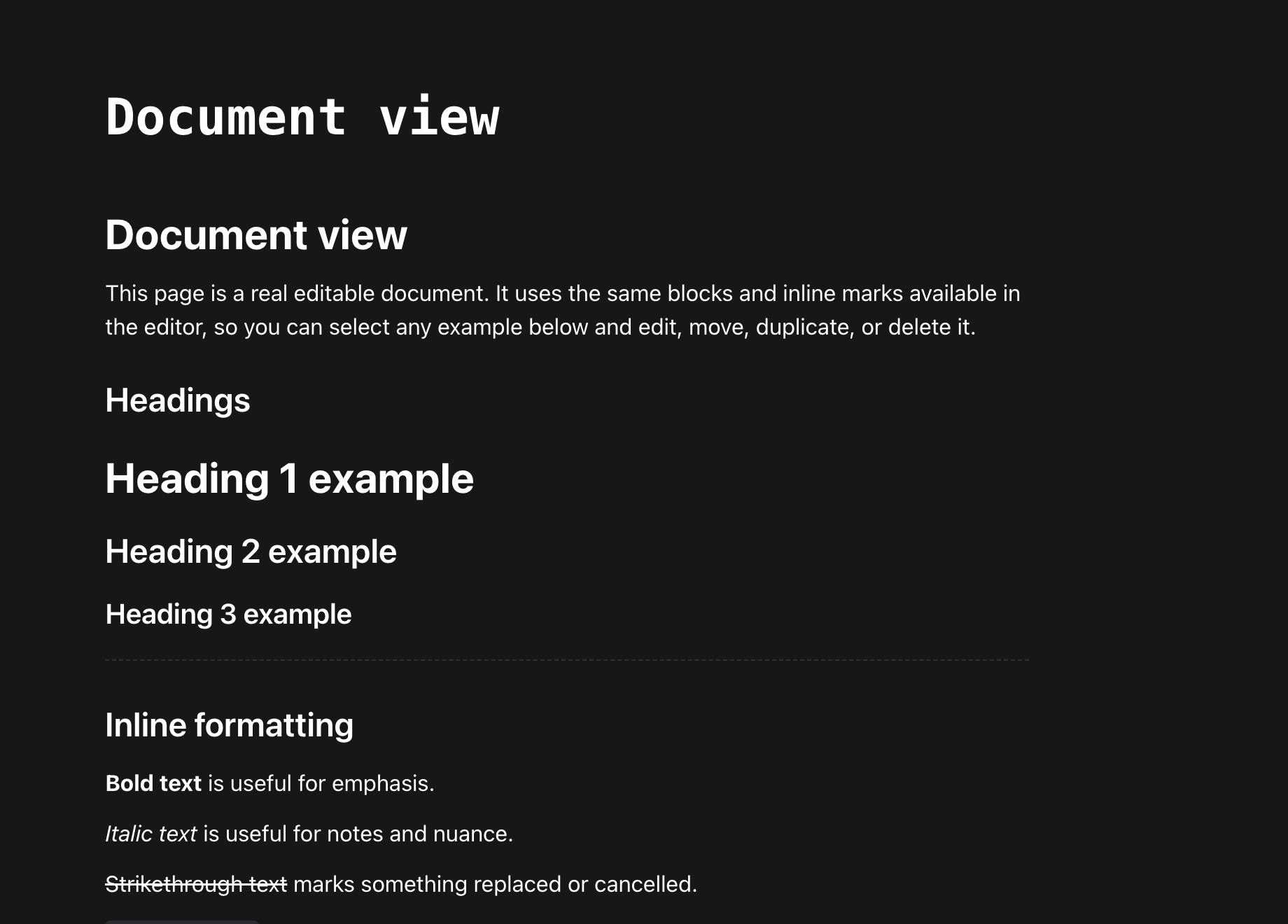
A defining Quille feature
Board view turns every chapter, scene, character, or location page into a movable visual card. Text, fields, and hierarchy stay intact—you gain a better view for comparing, arranging, and connecting story ideas.
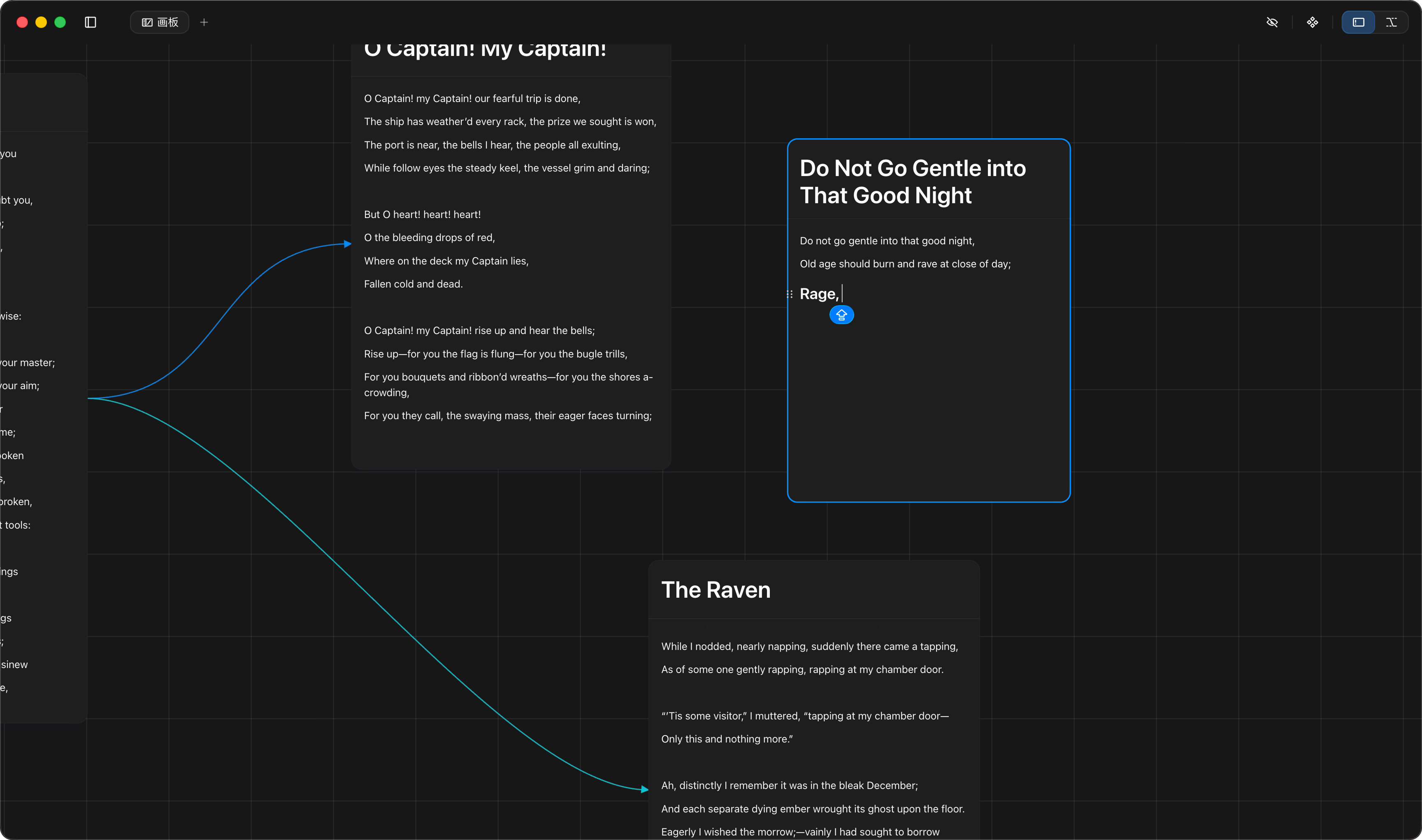
Open a card to see the complete page. Every edit stays with the same content—no duplicate copies.
Bring related pages together and use position and connections to understand characters, places, plot threads, and scenes.
Move between Whiteboard, Track, and Organize modes as free-form thinking becomes a structure you can act on.
Make time part of the content
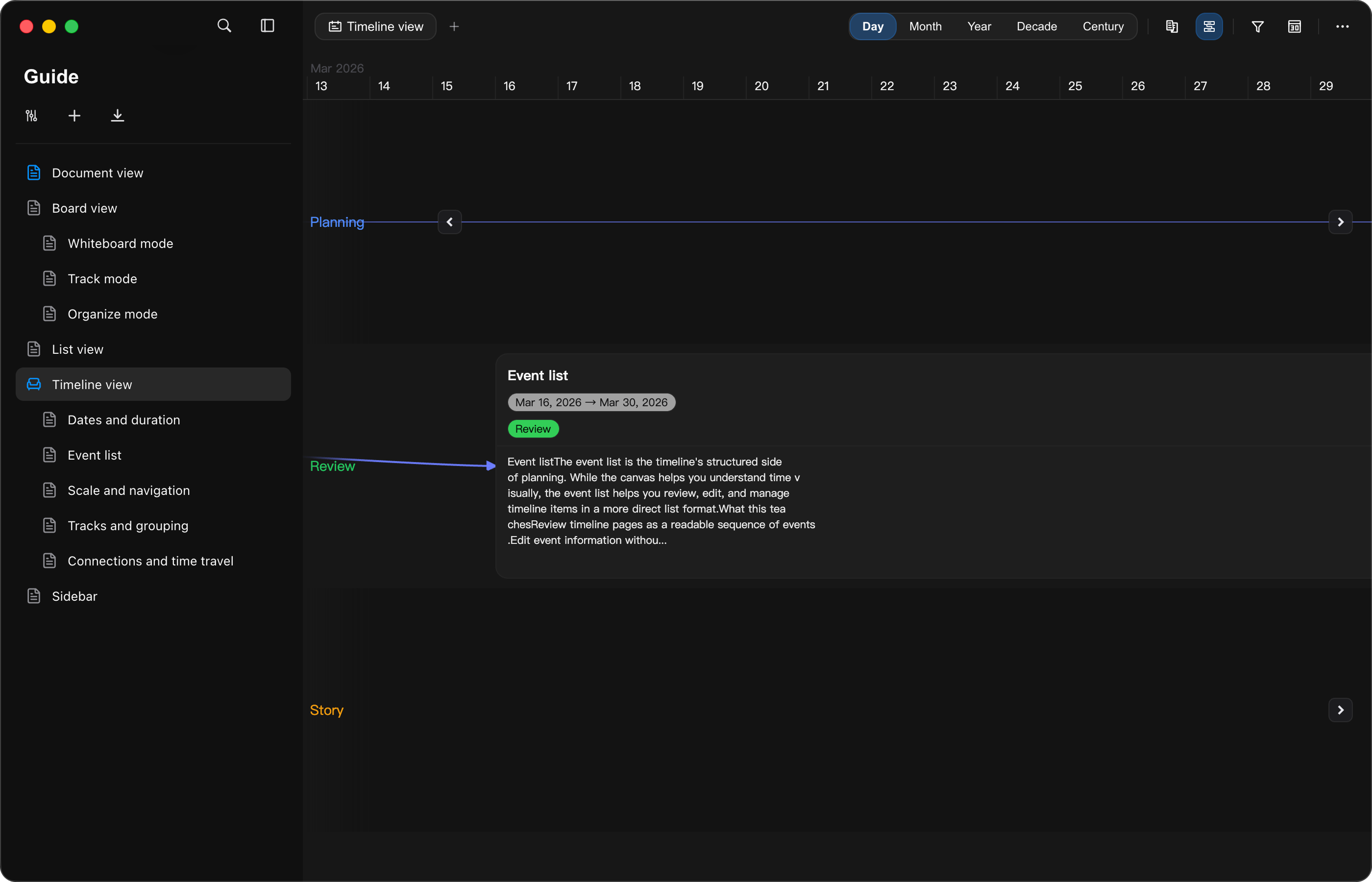
Add a date or duration to a page and it appears at its true position in time. Zoom from days and months to years, decades, and centuries—keeping plot beats, character arcs, and long histories in one continuous context.
Change perspective freely
Not four disconnected tools, but four ways to plan the same story.
Start with one line and write a scene, chapter note, character study, or book outline. Clear structure never interrupts the thought.
See the same content from another angle. Fields, filters, and sorting make complex story information light again.
Lay subpages out as cards and move between Whiteboard, Track, and Organize modes—from discovery to a workable plot.
Make dates, events, and spans visible. It works for story timelines, character arcs, research, and long histories.
Ready for the next idea
Quille is designed for your devices, so a growing project is always close at hand. Inspiration never has to wait until you are back at your desk.
Your next page starts here